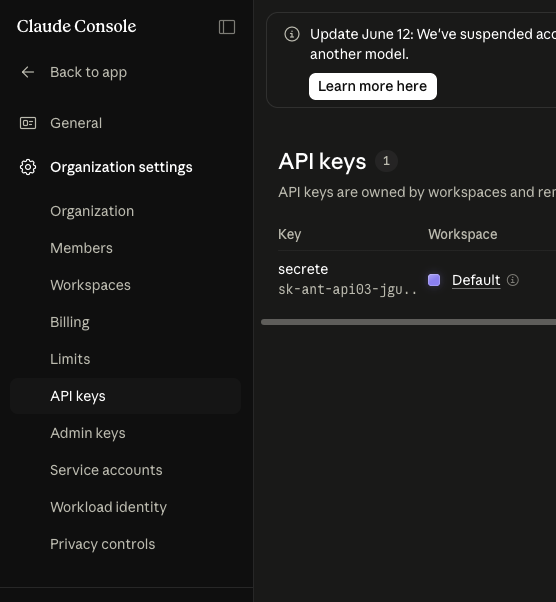
Get your Anthropic key
This coach is bring-your-own-key. You pay Anthropic directly for what you use (usually pennies to under a dollar a session), and your key never leaves your browser. Here is how to get a key. You paste it back on the home page.
Create an Anthropic account
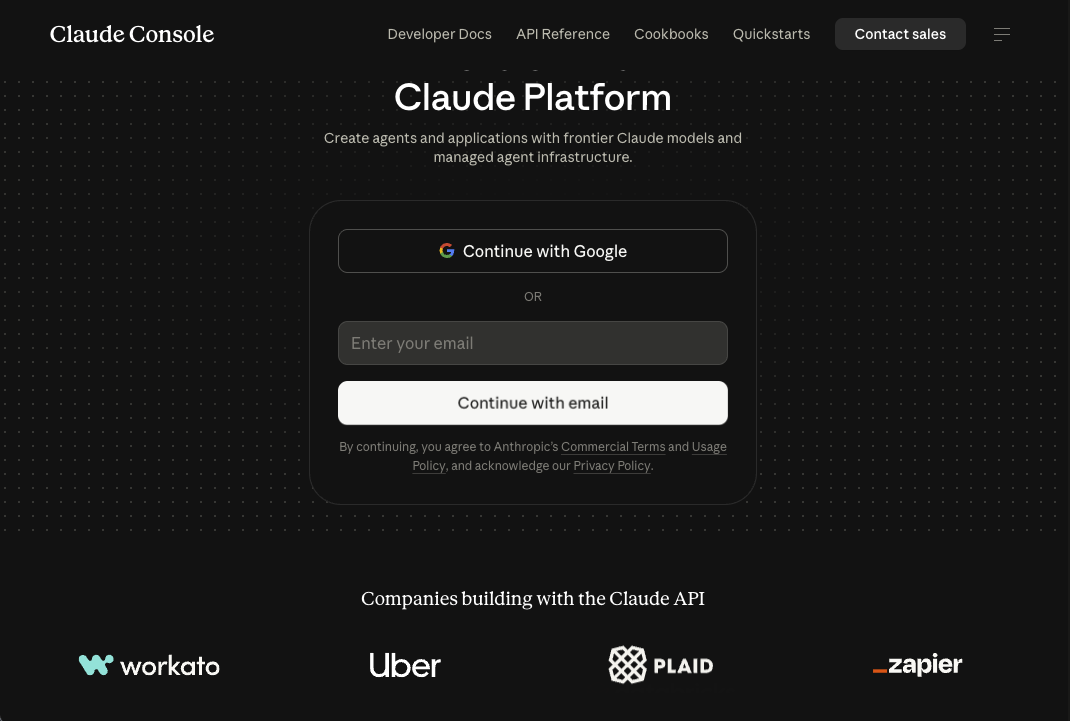
Go to console.anthropic.com (it opens the Claude Console at platform.claude.com) and sign up with Google or your email. Confirm the verification email, then sign in.
Add a little credit
API usage is prepaid, so add a small balance first. In the Console, open Organization settings → Billing, add a payment method, and buy credit. $5 is plenty for lots of practice. You will see your balance in the left sidebar.
If you do not see Billing, it is under your organization settings in the left menu.
Create an API key
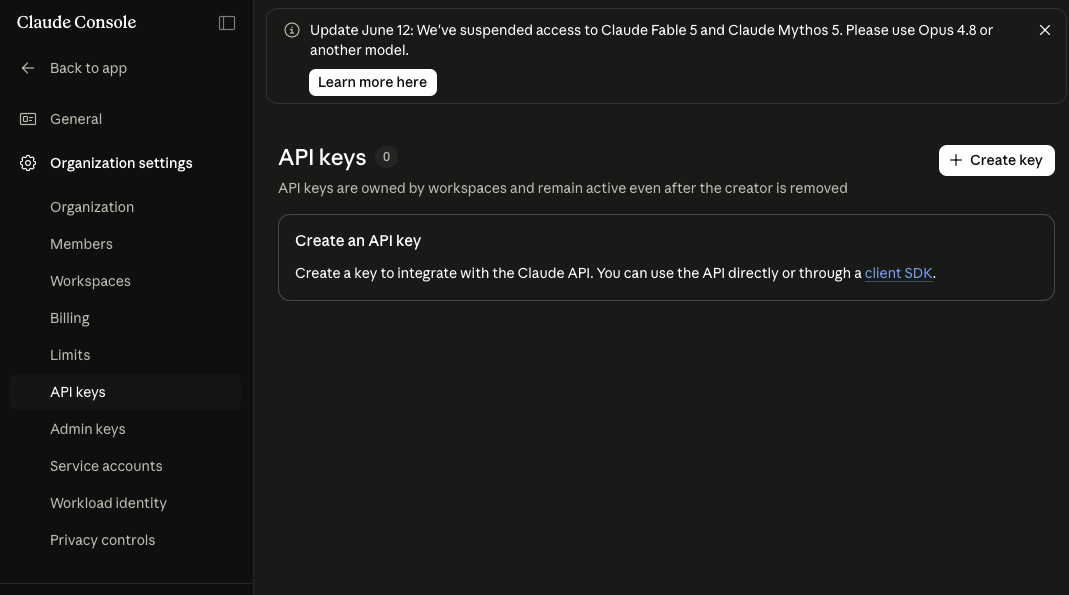
Open Organization settings → API keys and click Create key (top right).
Pick a workspace (Default is fine), give the key a name like interview-coach, and click Add.
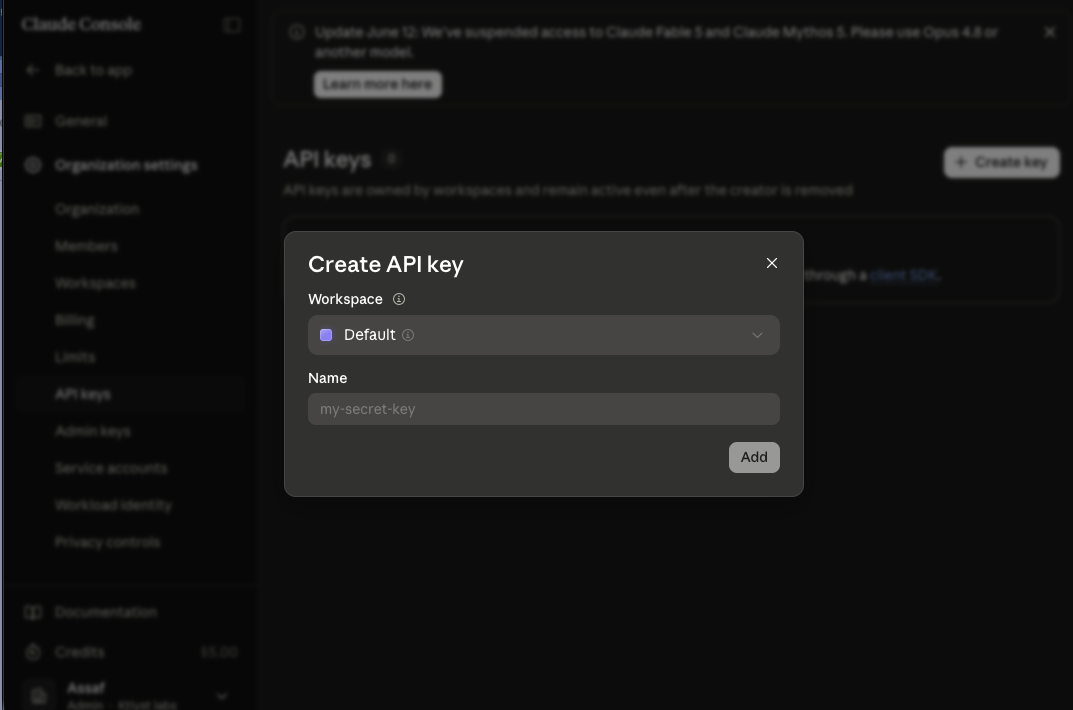
Right after you click Add, Anthropic shows the full sk-ant-… value once. Copy it then — if you lose it, just create another.
Paste it on the home page
Your new key also appears in your key list. Take the full value you copied, go back to the home page, and paste it into the Anthropic API key box. It is stored only in your browser and sent only to Anthropic. See the privacy policy.